This is a quick lesson in double-checking your manuscript in Amazon’s previewer before accepting — particularly for the paperback edition.
Before publishing, I spent (literally) dozens of hours proofreading and formatting my manuscript. I had ordered proof copies from Amazon and discovered some errors, including a significant mistake where my paperback manuscript was aligned left (right ragged), not justified. It was surprising how normal this looks in Word, but how alien it looks printed. I fixed this, and some other minor spelling/grammar errors that I identified.
As a side note, I found that the free version of Grammarly found a number of issues that Word had not picked up on. I highly recommend doing at least one final pass with Grammarly. Interestingly, Grammarly didn’t like the way I use commas to dictate the flow of a LOT of my sentences, but I ignored their advice. I like my sentences to have my particular cadence!
Anyway, I published my book officially on June 6, 2021 and immediately ordered a couple of author’s copies. As another side note, if you’re only ordering a copy or two, you might as well just order regular copies instead of author’s copies, as the cost will be lower and you’ll get them faster! Lesson learned there.
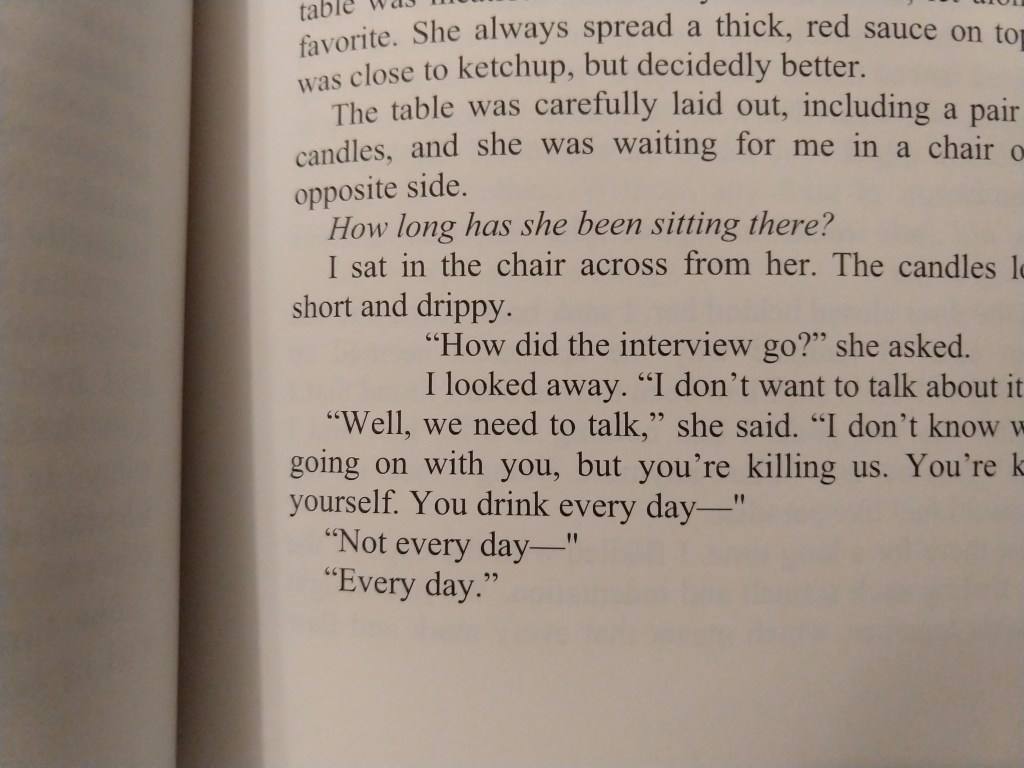
When I got my copies, I opened the book, and immediately noticed two glaring, amateurish errors:
First, a paragraph was indented too far. After scanning over my entire novel, I only found one other instance of this, so I guess it was dumb luck that I happened to open right to this one. I went back to my original manuscript in Word, and found the errors there as well. The paragraph and formatting settings revealed nothing, so I couldn’t easily fix it. I even tried setting the cursor in front of the first incorrectly indented letter, backspacing to lose the carriage return, and then hitting enter again, but still got the same strange behavior. Ultimately, I solved this by using the format painter to copy nearby formatting, and painting over the error.
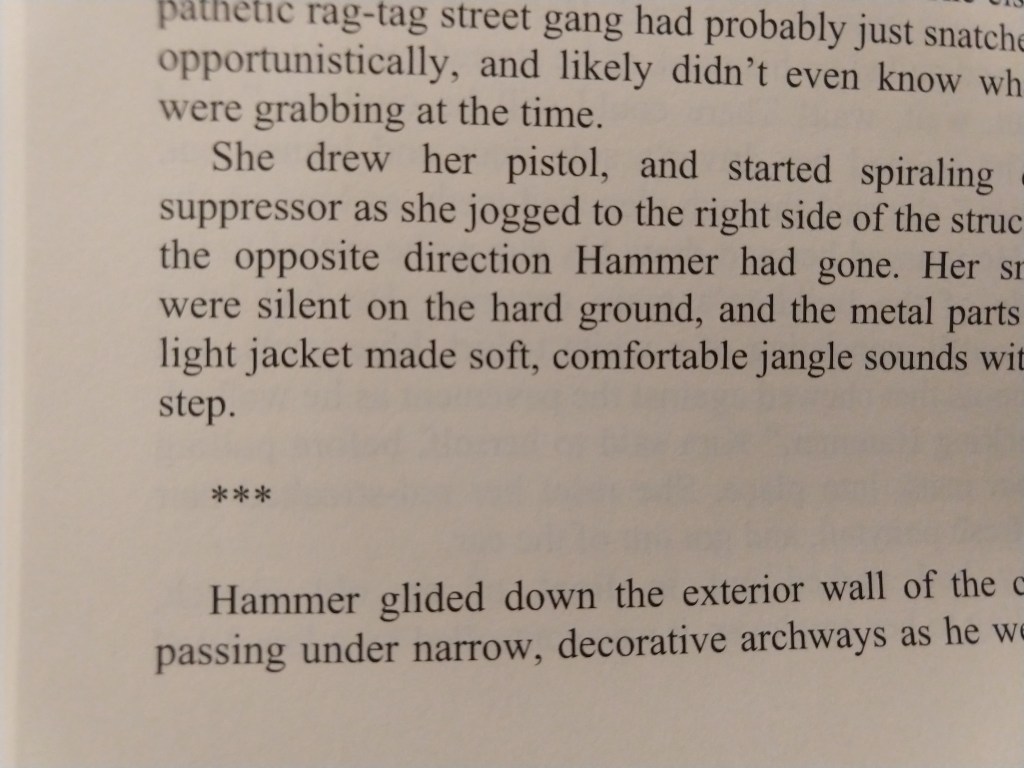
Second, the scene break indications (the *** symbols on their own line) were not centered, but were left-aligned. This must have occurred when I fixed the justification, but I don’t know how I got here. This issue was particularly lame looking, like I hadn’t just spent a zillion hours perfecting the format. At least it was an easy fix.
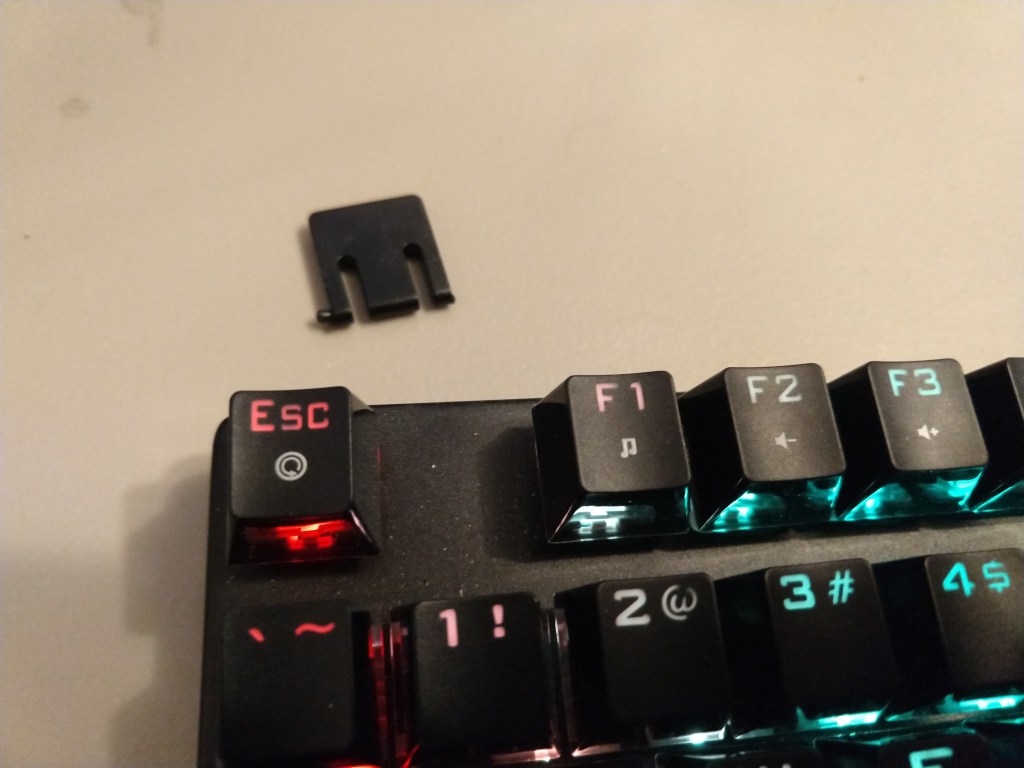
I would be lying if I said I wasn’t filled with rage when I discovered these mistakes (I went down to my computer, hit ctrl-f (for find) so hard that I broke my keyboard. Yes, it was stupid, and yes, my finger really hurts. I fixed the issues, republished, and took a moment to cool down. I actually thought about buying replacement copies for those few that had already purchased the paperback edition. That’s how much it bothered me that these errors were escaped, out in the real world — a record of my failure of discipline.
Then, it occurred to me that the few people that had purchased the paperback copy of my novel now had a rare, special copy of the book. These copies will be exceptionally valuable after I become a world-famous author! Good news for you lucky few. 🙂
In short, don’t lose your temper over simple, fixable mistakes. I’ve had to drop the other foot down on my keyboard, so I’m typing this post on a more flat, level surface than I’m used to.
Also, review your paperback preview in Amazon in earnest, even if you’re sure it’s perfect.
 Jonathan Mann